
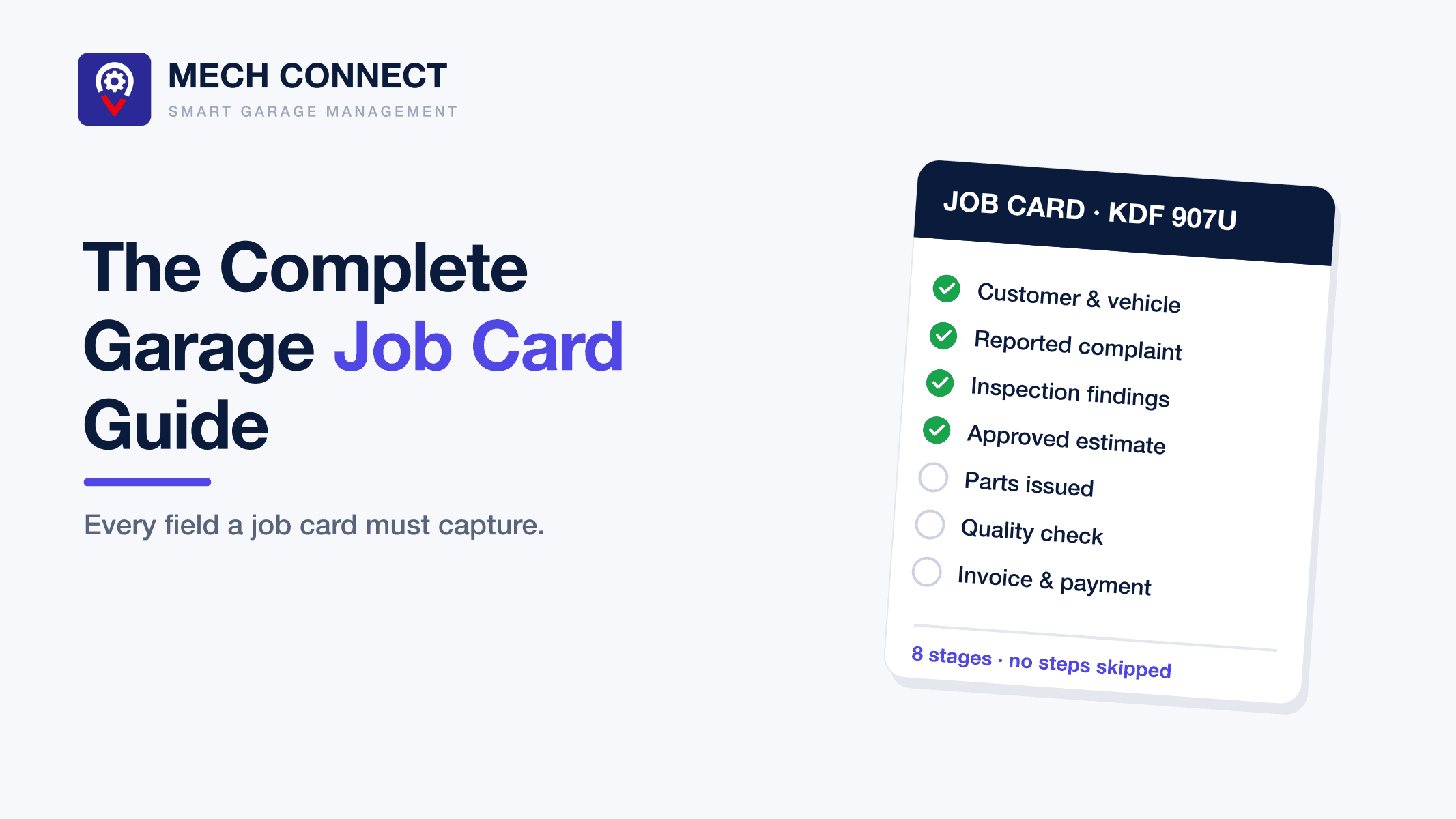
The job card is the most important document in any garage. It is the contract, the work order, the parts record, the invoice source, and the legal protection, all in one. A garage with weak job cards has weak everything: disputed bills, unbilled parts, forgotten work, and no usable history.
This guide covers what a job card is, every field a complete one must capture, the lifecycle it should follow, and when a garage outgrows paper.
What is a job card?
A job card (also called a work order or repair order) is the document that authorizes and records all work on a specific vehicle during a specific visit. It opens when the vehicle arrives and closes when the invoice is paid. Done properly, one job card answers every question about that visit: what the customer reported, what the garage found, what the customer approved, who did the work, what parts were used, what was charged, and what was paid.
What a complete job card must include
1. Customer and vehicle identification
- Customer name, phone number, and alternative contact
- Vehicle registration, make, model, and year
- Odometer reading at check-in, this matters for warranty and service-interval disputes
- Fuel level and any visible damage at drop-off, noted and ideally photographed
That last line protects you. "That scratch was not there when I brought it" is an argument you win with a time-stamped photo, and lose without one.
2. The customer's reported complaint
Record the complaint in the customer's own words: "grinding noise when braking downhill", not just "check brakes". The technician diagnoses better, and the customer feels heard.
3. Inspection findings
What the garage actually found on inspection, item by item, with severity. This is the section that turns a job card from paperwork into revenue: documented findings, especially with photos, are what customers approve. Undocumented findings are jobs your competitor will invoice next month.
4. Authorized work
The exact scope the customer approved, with prices, and evidence of approval: a signature on paper, or a digital approval with timestamp. Work outside this scope needs a fresh approval. This single discipline eliminates most invoice disputes at the counter.
5. Parts issued
Every part used, drawn from stock or purchased, recorded against the job with quantity and price. If parts flow onto job cards, they flow onto invoices. If they do not, they flow out of your profit.
6. Labour and assignment
Which technician did which task, and the labour charged. Over time this record tells you which jobs are underquoted and which technicians are most productive, information no gut feeling can supply.
7. Quality check and release
Who verified the work before release, the closing odometer if road-tested, and the customer's acknowledgment at pickup.
8. Invoice and payment reference
The invoice number generated from this job card, and payments recorded against it. A job card should not close without one.
The lifecycle: 8 stages every job should pass through
A complete job card moves through a fixed sequence: drop-off → inspection → estimate → customer approval → repair → quality check → invoice → payment. The order is the point. Repair before approval creates disputes; release before invoice creates bad debt. When no stage can be skipped, the failures that plague busy garages stop being possible. This exact workflow is the spine of Mech Connect, see how the 8-stage job card works →
Paper vs digital job cards
Paper job cards can hold every field above, and for a garage doing a handful of jobs a week they may be enough. They break down predictably:
- They exist in one place. The owner cannot check a job card from home; the front desk cannot see what stage a vehicle is in without walking to the bays.
- They do not enforce anything. Nothing stops a release without an invoice or a part without a record; discipline depends on the busiest person remembering.
- They connect to nothing. Parts, invoices, payments, and history all have to be re-entered somewhere else, and every re-entry is an error opportunity.
- They cannot be searched. "When did this customer last replace brake pads?" is a filing-cabinet expedition instead of a two-second lookup.
A digital job card system keeps the same fields but makes them live: the whole team sees vehicle status in real time, approvals arrive on the customer's phone, parts and labour flow to the invoice automatically, and every vehicle's full history is one search away.
Common job card mistakes to avoid
1. Vague complaints ("check engine") that waste diagnostic time
2. No condition photos at drop-off, the source of most damage disputes
3. Verbal approvals for additional work, unenforceable and always remembered differently
4. Parts added to the invoice from memory at the end instead of recorded when issued
5. Job cards that never close, vehicles released with invoicing "to follow"
Each of these is a process gap, and each one costs real money. We covered where that money goes in how garages lose money on every job →
Get the job card right and the garage follows
Every improvement a garage wants, fewer disputes, faster payment, accurate stock, real profit visibility, runs through the job card. Fix that one document and the rest of the operation has a spine to build on.
If you want to see a complete digital job card in action with your own services and pricing, book a demo, or get started and open your first one today.
Ready to run a smarter garage?
See how Mech Connect puts these principles into practice for 150+ garages worldwide.